Business systems
Custom software or off-the-shelf? A practical way to decide
Most businesses should start with standard software. The decision changes when the workarounds around a tool start costing more than the tool saves — and that is something you can check before talking to anyone about a build.
By Matteo Gelsomini ·
- Process first
- Whole cost of ownership
- Hybrid options
Start with the process, not the product
Software decisions often begin with a product comparison: features, screenshots and monthly prices. That comparison only works once the process the software must support is clear. Who starts the work, what information is needed, which rules decide the next step and who is accountable when something goes wrong?
Writing that down on a single page is worth doing before any demo. It turns a vague question — do we need custom software? — into a specific one: can a standard tool run this process without the team working around it every day?
When off-the-shelf is the right answer
For many needs, standard software is the better choice. Accounting, payroll, email, calendars and general document storage are well served by mature products. They are maintained by large teams, regularly updated and familiar to the people you hire. Building your own version rarely creates an advantage.
Standard tools are also the sensible starting point when a process is still changing. If the way you take orders or manage jobs is still being worked out, a configurable product lets you learn what matters before investing in something built around it.
- The process is common to most businesses of your type.
- The product can follow your rules through configuration rather than workarounds.
- Your data can be exported in a usable format if you ever leave.
- The subscription and the time spent administering it remain proportionate to the value.
Signs a process has outgrown a standard tool
The clearest signal is the work that happens around the software rather than inside it. A spreadsheet that reconciles two systems every week, a shared inbox used to chase approvals the tool cannot track, or customer information copied by hand between products are all costs. They are rarely visible in a subscription price.
Other signals are commercial. Your process may be part of why customers choose you, and forcing it into a generic flow weakens that. Per-user pricing can grow faster than the business. Important rules may live in one person's head because the tool cannot express them, which becomes a risk when that person is away.
- Regular manual reconciliation between tools.
- Approvals, exceptions or status updates handled outside the system.
- Customers asking for information your team has to assemble by hand.
- Rules that only experienced staff know how to apply.
Compare the whole cost of owning each option
A fair comparison looks beyond the build price and the subscription. Standard software carries subscription growth, integration tools, administration time and the workarounds described above. Custom software carries discovery, design and development, then the ongoing cost of hosting, monitoring, security updates, backups and changes as the business evolves.
Consider an illustrative scenario. A team spends around five hours a week reconciling orders between an online store and a spreadsheet, and another few hours answering customers' status questions. Over a year that is a substantial amount of skilled time, before counting errors. Whether a focused custom system is worth it depends on what that time could be used for and on the real cost of running the replacement — not on the hours alone. This is an example for structuring the decision, not a measured client result.
Custom software is not finished at launch. If nobody is responsible for keeping it hosted, secure and up to date, its value declines. Make the operating plan part of the decision from the beginning.
A hybrid is often the best first step
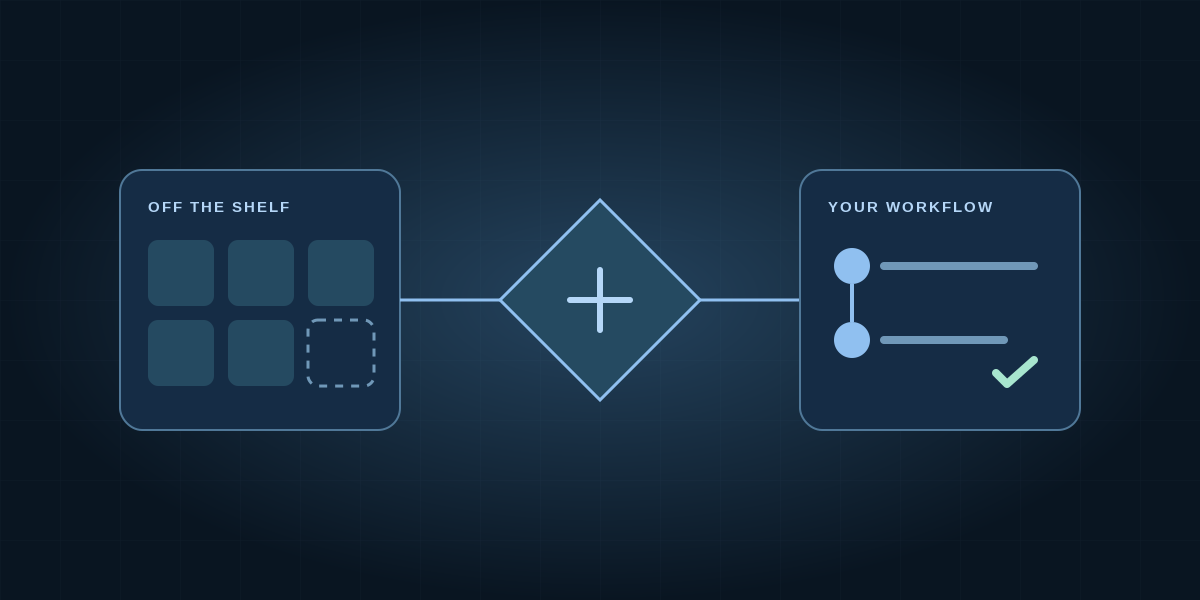
The choice is rarely all or nothing. Many businesses keep standard products for accounting, email and payments, and build only the part that is specific to how they operate: a client portal, an operations dashboard or a workflow that connects existing tools. The custom part then exchanges information with the standard products rather than replacing them.
This keeps the investment focused on what makes the business different. It also reduces risk: the first release can be small, measured against a clear outcome and extended once it proves useful.
Questions to answer before deciding
These questions help whether you are evaluating a product, briefing a developer or doing both. Clear answers make any proposal easier to compare.
- Which process are we trying to improve, and how will we know it is better?
- What happens today when something goes wrong, and who resolves it?
- Which existing tools must keep working, and what information should move between them?
- Who will own the data, the code and the access accounts?
- Who hosts, monitors, backs up and updates the system after launch, and what does that include?
- How would we export our information or hand the system over if our needs change?
What a responsible custom build includes
If custom software is the right answer, the engagement should reduce uncertainty early. A paid discovery phase is appropriate when requirements are not yet clear. The proposal should describe scope, exclusions, delivery milestones and how the system will be operated afterwards.
Ownership deserves the same attention as features. You should know where the system runs, how it is backed up and restored, how releases are checked and what a handover would involve. Those answers matter as much as the first version of the software, because they decide whether it remains dependable once the business relies on it.