Business systems
Client portals for accounting firms: what to plan before you build
A client portal can take document chasing and status emails out of an accounting practice's inbox. It only works if it is planned around the practice's real workflow, its access rules and its privacy obligations.
By Matteo Gelsomini · · Updated
- Document exchange
- Clear status
- Access and privacy
Where the time actually goes
In many practices the expensive part of client work is not the accounting itself but the coordination around it: requesting documents, chasing missing items, confirming what has been received and answering questions about progress. That work is spread across email threads, phone calls and shared folders, and it is hard to see at a glance.
A client portal for an accounting firm is useful when it replaces a meaningful share of that coordination with something clearer for both sides. It is less useful when it simply adds another place clients must remember to check. Before comparing products or features, it helps to count where the back-and-forth happens today: which requests are sent most often, which documents usually arrive late and which questions staff answer every week.
The workflows worth designing first
Start with the moments that generate the most messages. For most practices that means a small set of journeys rather than a complete digital office.
Document requests by engagement
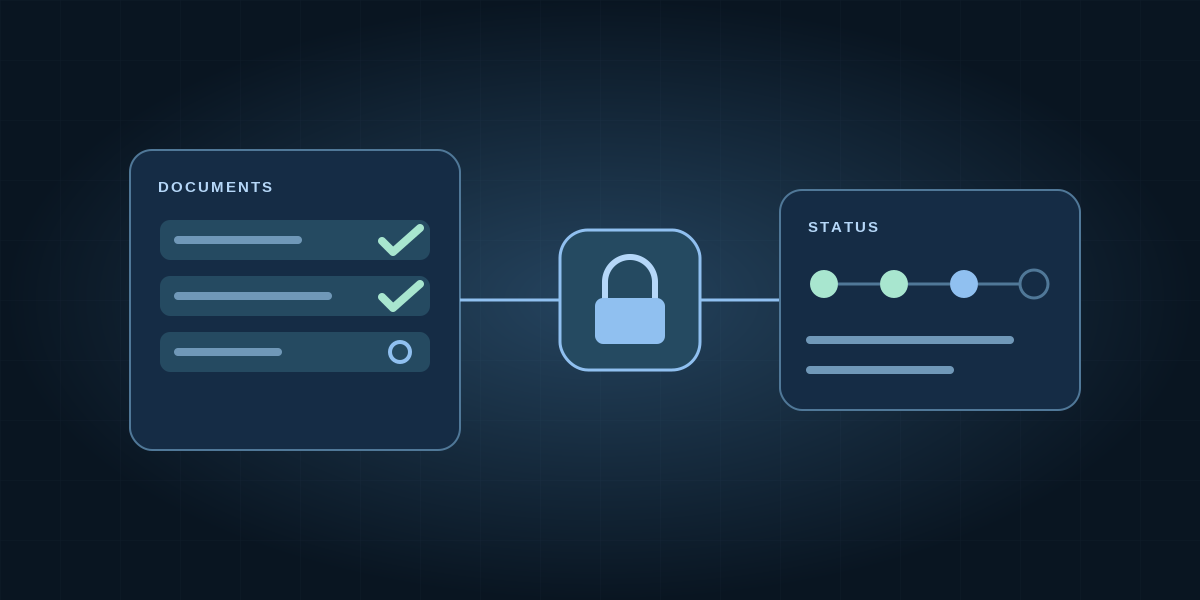
A request should belong to a specific engagement and period, such as an individual return or a quarterly activity statement, with a checklist the client can work through. Clients see what is outstanding; staff see the same list without searching their inbox. Secure upload should confirm what was received and keep what is still missing visible to both sides.
Status a client can understand
Clients rarely need the internal workflow. They need to know whether the practice is waiting for them, working on their file or ready for a review meeting. A few plain stages, updated as part of the staff's normal work rather than as an extra task, remove most "where are we up to?" emails.
Delivering finished work
Finished documents can be shared in the portal with a record of when they were made available, and messages can stay attached to the engagement they concern rather than a general inbox. That gives the practice a clearer history when a question comes back months later.
Off-the-shelf portal or a custom one?
Many practice-management suites include a client portal, and for a practice whose workflow matches the product, that is often the sensible choice. It is already integrated with the suite and maintained by the vendor.
A custom client portal earns its place when the practice's work does not fit the generic structure: specialised services with their own intake, several entities and delegates per client group, a branded experience across services, or a workflow that spans tools the suite does not connect. The guide to choosing between custom and off-the-shelf software covers that decision in more detail. Either way, the planning questions in this article apply.
Access, privacy and retention
Accounting firms handle sensitive personal and financial information. Many Australian businesses are bound by the Australian Privacy Principles, and professional obligations add their own expectations about confidentiality. A portal does not remove those responsibilities; it makes them visible in the design.
Who can see what
Decide early who can see what: individual clients, business owners, delegates such as a bookkeeper, and staff with different roles. A family group or a business with several entities needs clear rules about which person sees which entity's documents. These decisions shape the data model and are difficult to retrofit.
Sign-in and account security
Staff accounts should use a second factor, and administrative actions should be recorded so the practice can see who changed access and when. For clients, the aim is protection without making every visit a chore: sensible session lengths, secure password resets and an easy way for staff to remove access.
Breaches, retention and offboarding
Organisations covered by the Privacy Act must assess suspected data breaches and, where serious harm is likely, notify the people affected and the OAIC. The portal should make that assessment possible: logs of access, a clear record of what each account could see and an owner for the response. Agree with your adviser how long each kind of document is kept, and plan how access ends when an engagement or a staff member leaves.
Integrate rather than duplicate
Practices already rely on accounting, practice-management and document tools. The portal should exchange information with them where it can, so staff do not maintain the same client list or status in two places. Where a full integration is not possible, a deliberate, documented manual step is better than silent duplication.
This is also where a custom portal differs from an off-the-shelf one: it can follow the practice's own engagement stages and naming, rather than asking staff and clients to learn a generic structure. The same reasoning applies to a custom CRM when the client list itself no longer fits a standard tool.
What a portal in production looks like
The Astrafifo portal is not an accounting system, but it follows the same journey: a guided intake creates the client record, agreements are signed online, clients upload documents and see their next step in their own area, and staff move each case through stages on a board. Staff sign in with a second factor, roles limit what each person can do and administrative actions are audited. Building it showed how much of the value comes from replacing hand-offs between separate tools, not from any single feature.
A sensible first release
A first release can be deliberately narrow: document requests, secure upload and engagement status for one service line. That is enough to see whether chasing and status emails fall, and whether clients actually use it. Later releases can add delegates, shared documents and integrations once the core journey has proved itself.
Plan the operation alongside the build. Someone must host the portal, keep it updated, back it up and restore it if needed, and respond when a client cannot sign in. For a system holding client records, that responsibility is part of the product, which is why managed hosting is planned with the portal rather than after it.
- List the five requests and questions your team sends or answers most often.
- Pick one service line and map its stages from engagement letter to lodgement.
- Write down who may see each kind of document, including delegates.
- Agree retention periods and how access is removed at the end of an engagement.
- Decide who hosts, monitors and restores the portal, and how quickly a sign-in problem is handled.
Frequently asked questions
Will clients actually use a portal?
They use it when it is the easiest way to finish a task they already have, such as uploading the documents for this year's return. A portal they must visit only to read news is easy to ignore. Starting with document requests gives clients a reason to sign in from the first week.
Can a portal work alongside our practice-management software?
Yes. The portal can take its client list and engagement status from the systems you already use, or send information back to them, depending on what those systems allow. Where there is no suitable connection, a documented manual step keeps the two consistent.
Is email with attachments really less secure?
Email works, but attachments are copied into several mailboxes, forwarded and kept indefinitely, and it is hard to know who still has access. A portal keeps one controlled copy, records who uploaded or opened it and lets the practice withdraw access when an engagement ends.
How do we start?
Start with a short review of one service line: the requests you send, the documents you receive and the questions clients ask. That is enough to scope a first release and price it honestly. You can discuss a client portal with me, or read the broader client portal planning guide first.
Further reading
- OAIC — Australian Privacy Principles: The principles that govern how many Australian businesses collect, use, store and disclose personal information.
- OAIC — Notifiable Data Breaches scheme: When an organisation covered by the Privacy Act must tell affected people and the OAIC about a data breach.